Mail merge, but every row gets its own PDF
One spreadsheet in. Hundreds of separate PDFs out.
It's the mail merge Word and Google Docs™ can't do. Give SheetRender your spreadsheet and one example document, and every row becomes its own polished, print-ready PDF: a separate file, ready to download or email.
Need it every month? Connect a Google Sheets spreadsheet, set a schedule once, and SheetRender renders the latest rows and emails the batch out for you.
Start from a document you already have · Print-ready A4/Letter/Legal & more · Run it once or on a schedule
Add your data
Show us an example
Download your documents
See it in action
Your example, applied to every row
Bring a spreadsheet and any document you already have: a certificate, a quote, a report you like. SheetRender studies its layout and builds a matching, print-ready PDF for every row. Each person gets their own file, like James's here.
Your spreadsheet
| name | dept | target | actual |
|---|---|---|---|
| Marcus Chen | Sales North | $65K | $71K |
| James Smith | Sales North | $70K | $62K |
| Priya Patel | Sales South | $60K | $68K |
| Dana Whitfield | Sales West | $75K | $74K |
| Leo Alvarez | Sales East | $55K | $59K |
One row per person. We’ll follow James’s.
Your example
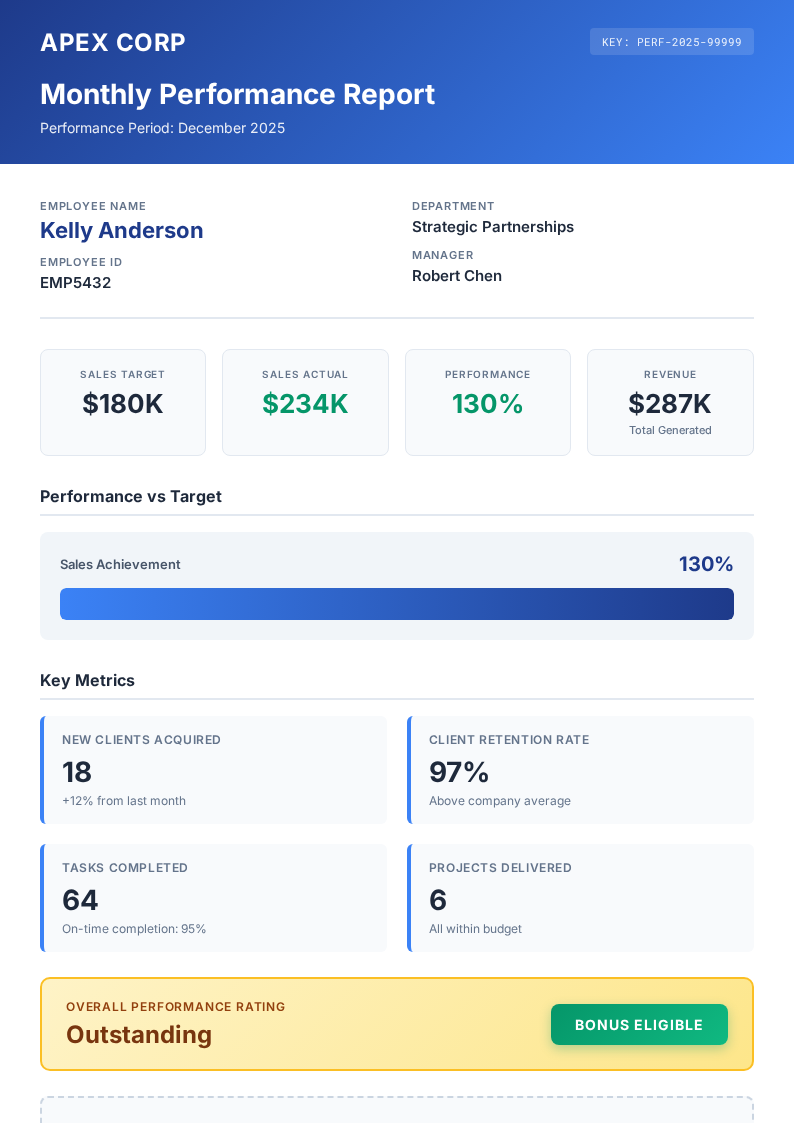
Any document works: a PDF, a Word .docx, a web page, even a screenshot. SheetRender studies it and builds the template for you.
Made by SheetRender
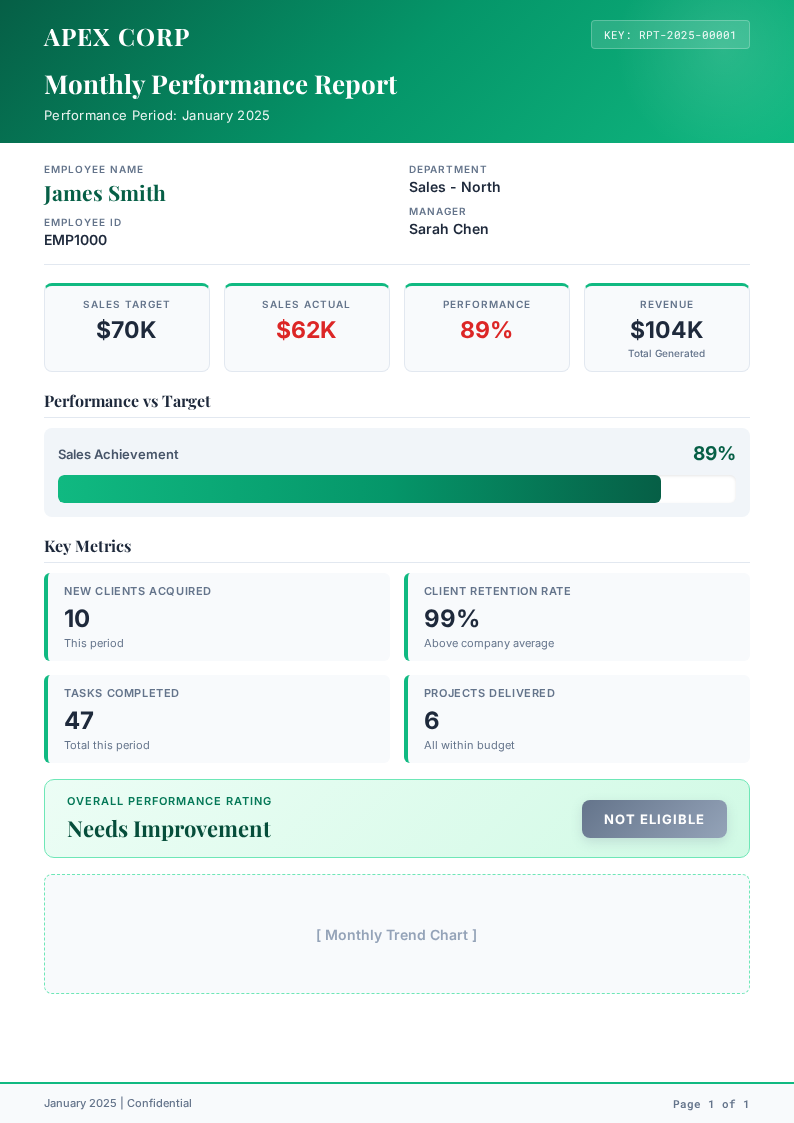
James’s report, built from his row. Everyone else gets one too.
What will you make?
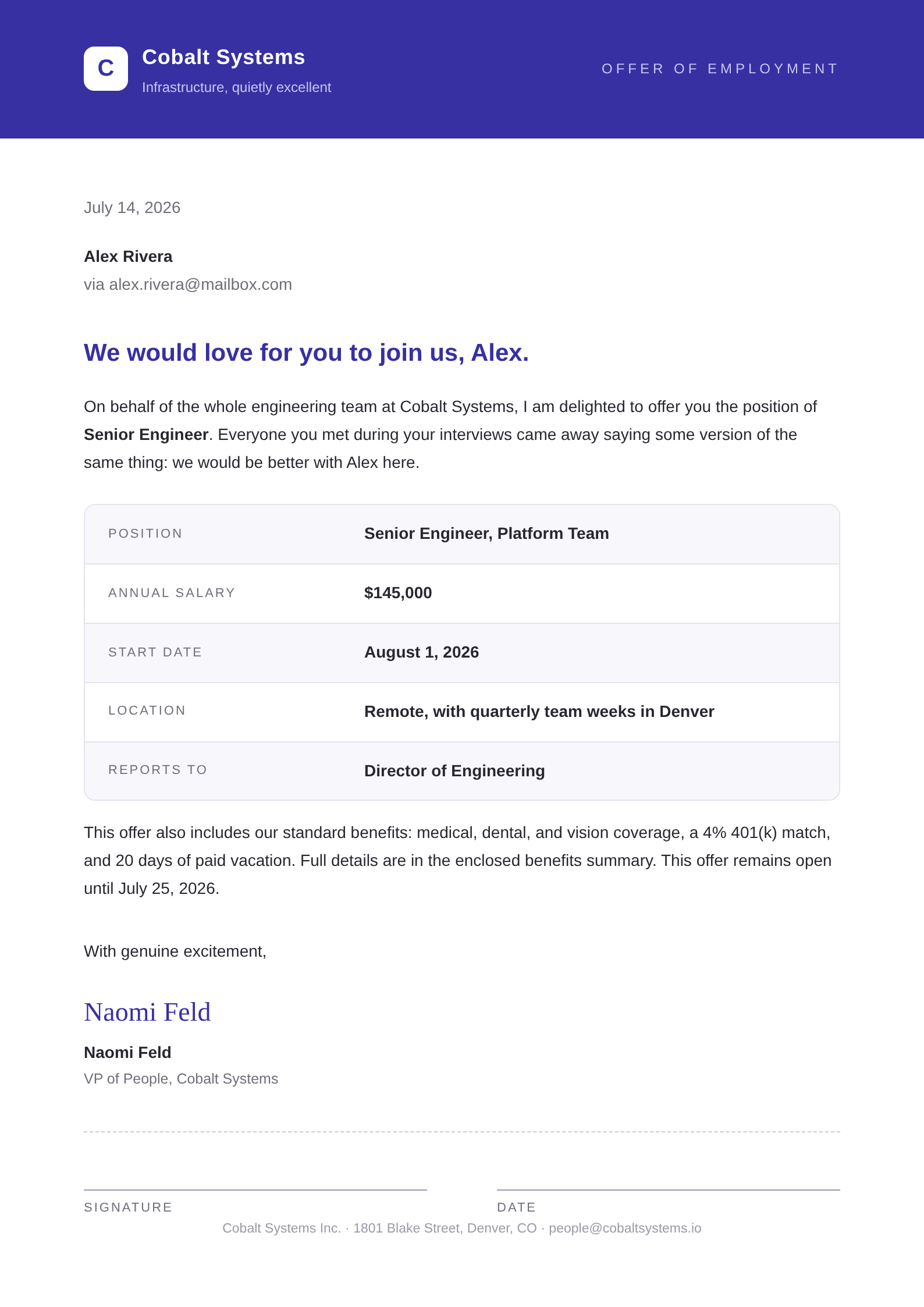
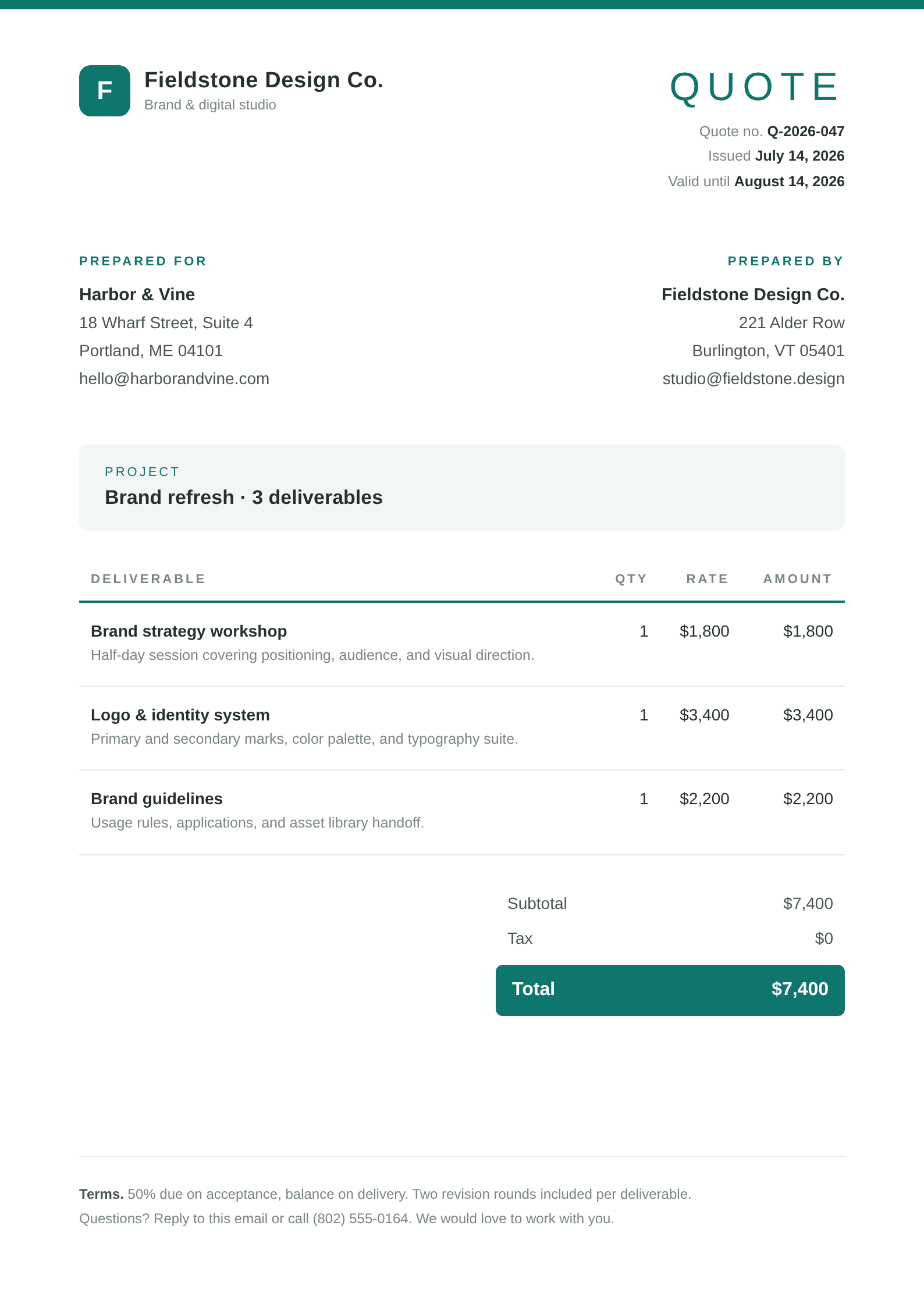
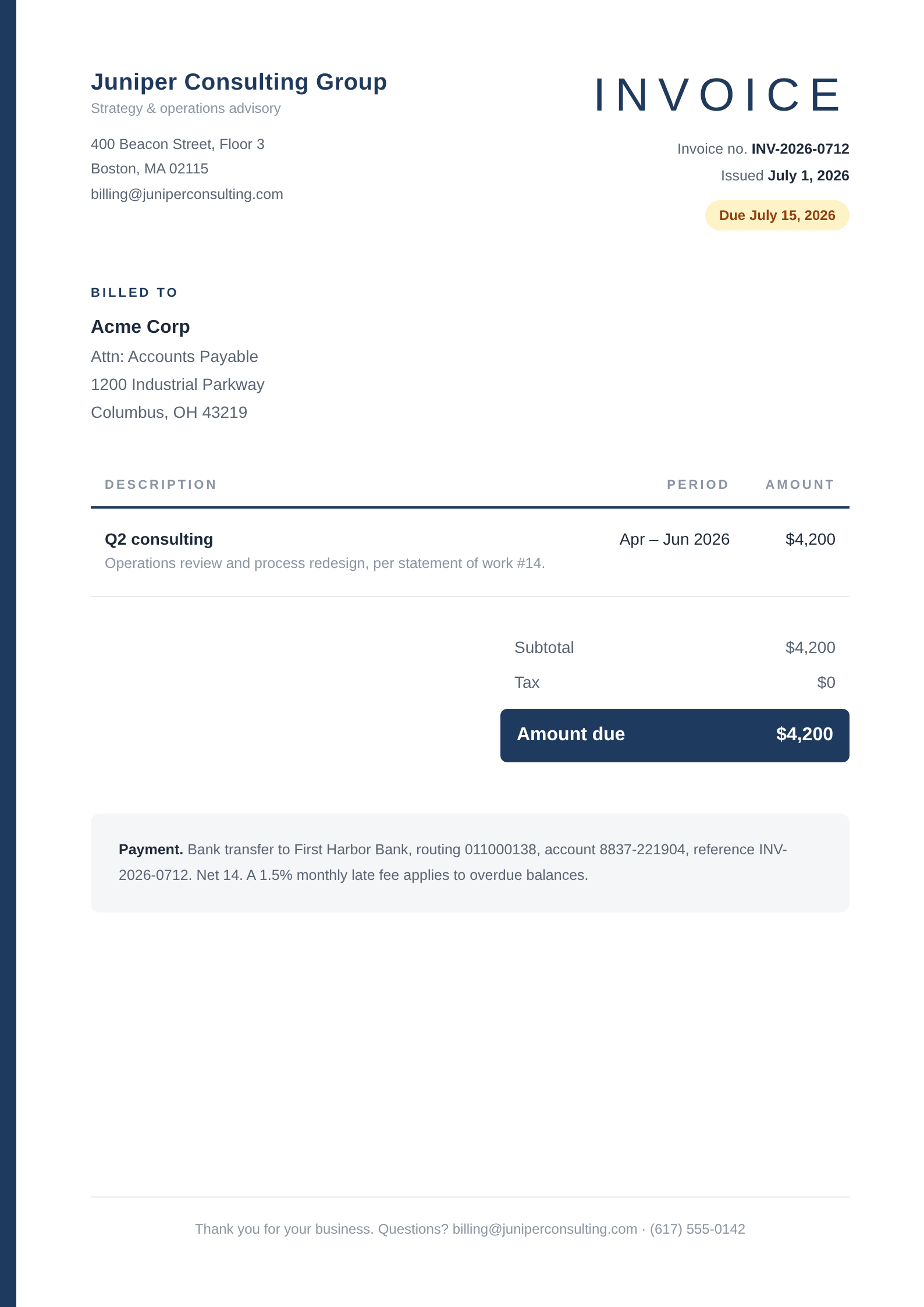
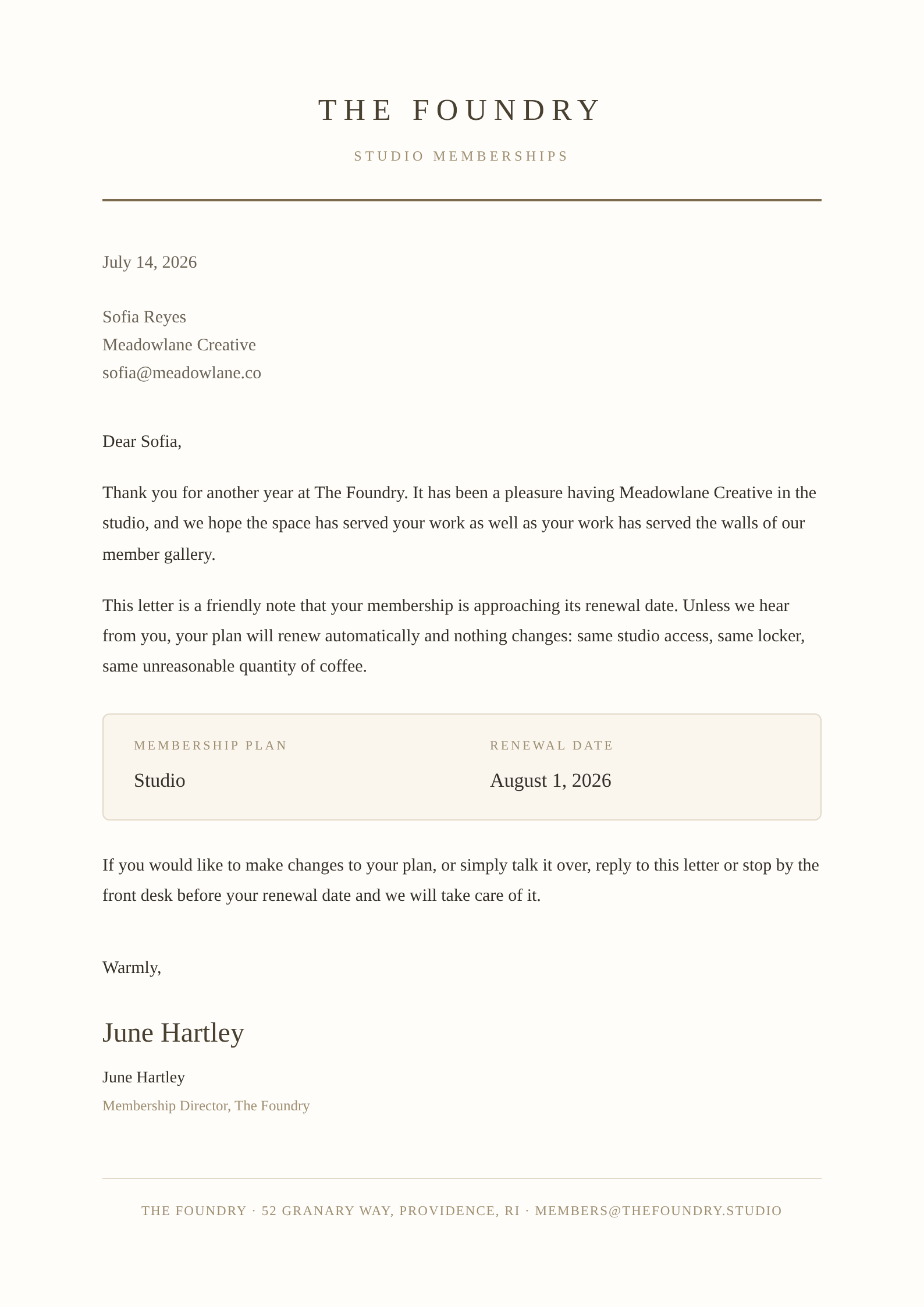
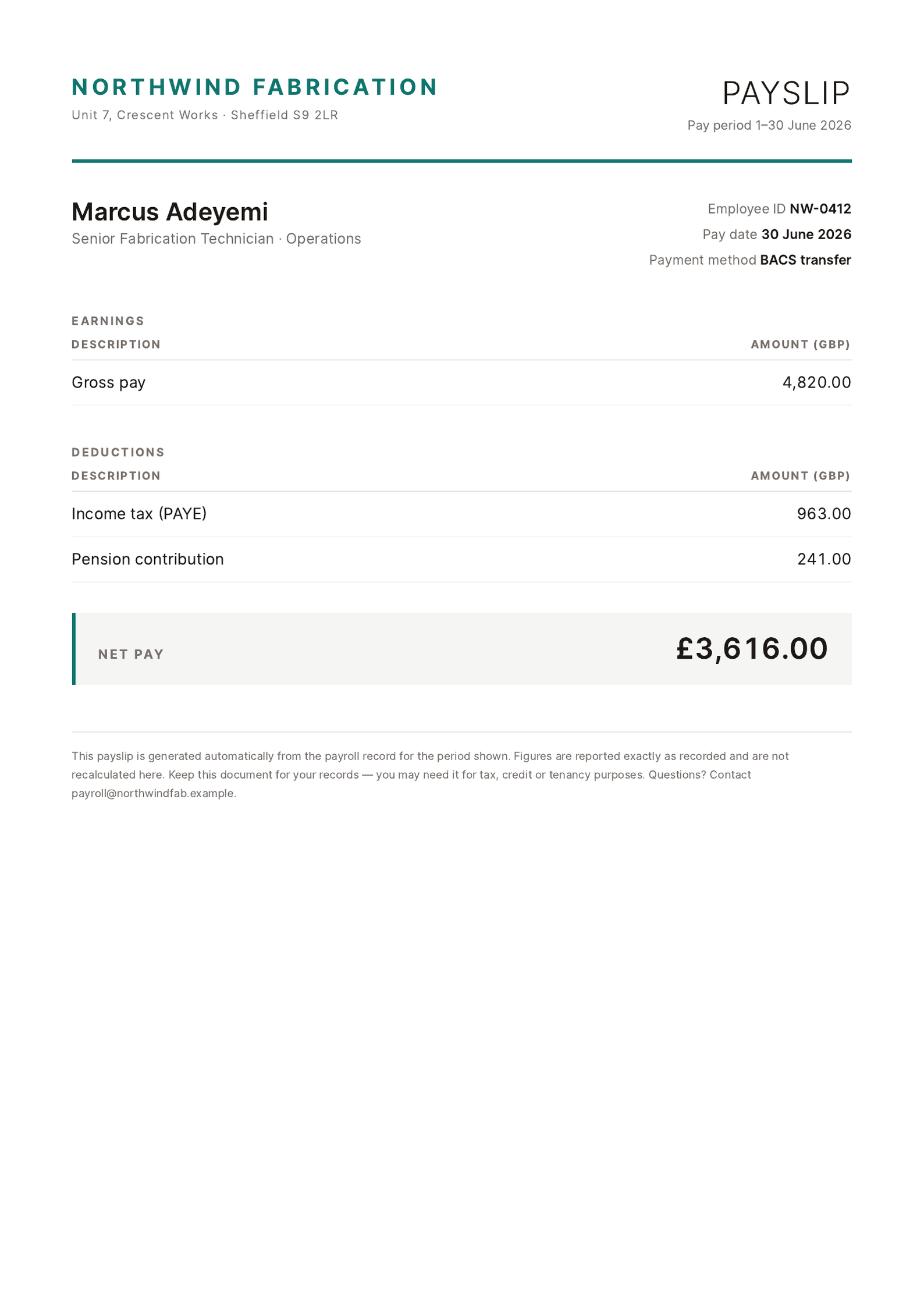
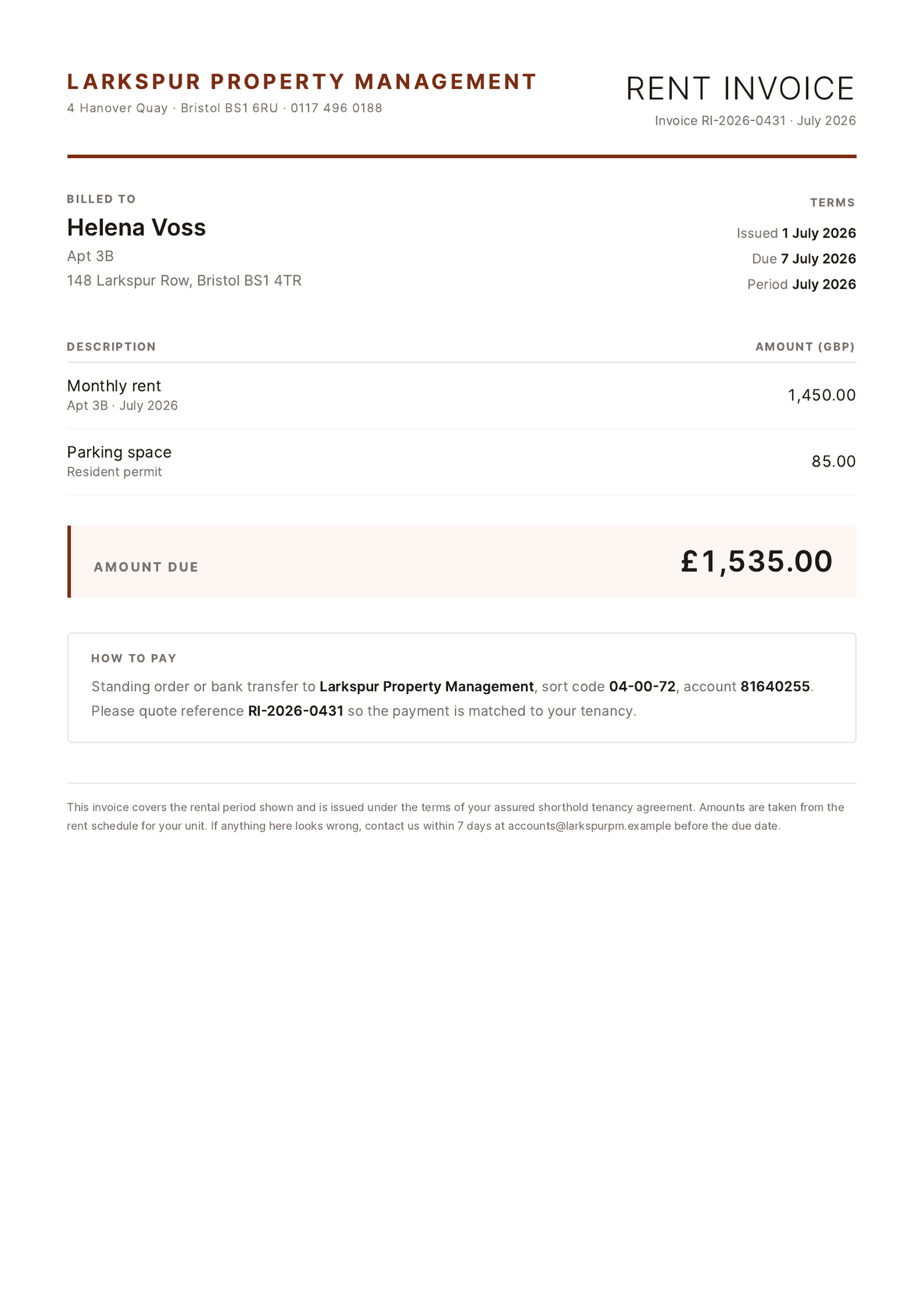
One engine, every kind of document
If it lives in rows, SheetRender can design it and render it: a polished, separate PDF for every one.

Everything in one place
More than a spreadsheet-to-PDF tool
SheetRender takes care of the dull parts, from the first design to the last email.
The template designs itself
Show us one document you love. SheetRender studies how it is put together and rebuilds it as a template for your data. There is no builder to learn and no code to write.
Start from whatever you have
The example can be a PDF, a Word file, a web page or a phone photo of a printed page. If you have nothing to show yet, answer a few questions about the document you need or pick a starting style, and SheetRender designs it around your columns.
Line items on one invoice
Rows that share a value, such as an invoice number, become one document that lists all of them. Twelve rows for the same customer make one invoice with twelve lines, and it counts as a single document.
Perfect PDFs
Pages render pixel-accurate in A4, A5, A3, Letter, Legal or Tabloid, with real page breaks and print-ready margins. What you preview is what you print.
Scheduling
Choose how often it runs. When the data is a Google Sheets spreadsheet connected in the app, SheetRender pulls the latest rows before each run, then renders the batch and delivers it on time. Uploaded files and add-on sends are reused as they are until you replace them. Each schedule also gets a private trigger URL, so Zapier, Make or your own code can start a run the moment something changes.
Delivery
Choose an email column and each finished document goes straight to the person in its row, or save the batch to a Google Drive™ folder you pick. A schedule can also mail the merged PDF to one address. On Pro and Business, email can come from your own domain.
A Google Sheets™ add-on
Install SheetRender from the Google Workspace Marketplace™ and send a tab from the sidebar in Sheets. Once the design is ready, you make and download each new batch from that sidebar without leaving the spreadsheet.
Install the Google Sheets add-on (opens in a new tab)For developers
The REST API comes with every plan, the free one included. POST /designs builds a template from your data and an example, and a signed webhook tells your system when a batch is done. AI agents can make the same calls through our hosted MCP server at mcp.sheetrender.com, and the render engine is open source.
Read the API referencePricing
Simple plans that grow with you
Start free, no card required. Upgrade when your batches need more room.
Free
For trying things out and the occasional batch.
- 50 documents / month
- 2 active templates
- Unlimited design refinements
- 30-day document history
- A small “Made with SheetRender” footer on documents
Starter
For solo operators sending documents on a regular rhythm.
- 1,500 documents / month
- 15 active templates
- Unlimited design refinements
- Email delivery, 1,500 / month
- 1 recurring schedule
- 90-day document history
Pro
For busy senders that schedule and automate their document runs.
- 10,000 documents / month
- Unlimited active templates
- Unlimited design refinements
- Email delivery, 10,000 / month
- Send from your own email domain
- Unlimited schedules & automated runs
- 1-year history + priority rendering
Business
For sending documents at serious volume.
- 50,000 documents / month
- Unlimited active templates
- Unlimited design refinements
- Email delivery, 50,000 / month
- Send from your own email domain
- Unlimited schedules & automated runs
- Unlimited history + priority rendering
- Priority support
One bigger job on the Free plan? Add 300 documents for $9, paid once. They are used first, never carry the watermark, and expire 12 months after purchase.
Prices in USD. Switch plans or cancel anytime from your billing page. Changes are prorated automatically.
Questions
Good to know
Does every row really become its own separate PDF file?
Yes. Each row in your spreadsheet becomes its own PDF. Download them one by one or as a zip, or combine them into a single PDF when that's handier. You can also email each file to the address in its row, or save the whole batch to a folder in your Google Drive.
How is this different from mail merge in Word or Google Docs™?
Word's mail merge pours every record into one long document, and splitting it into separate files is a manual chore. Google Docs needs an add-on that runs into Google's execution quotas. SheetRender is built for separate files from the start: one PDF per row, designed from an example document you already have.
Is my data private?
Yes. Your spreadsheets and generated documents belong to you. We use them only to produce your PDFs, never to train models, and you can delete a project and its data at any time.
What file types can I upload?
Bring your data as CSV or Excel (.xlsx or .xlsm), or as a tab-separated .tsv or .txt export. The example document can be a PDF, a Word .docx, a web page or a screenshot; SheetRender copies its look and rebuilds it around your data.
How does scheduling work?
Choose how often it runs, anywhere from monthly to every 15 minutes, and SheetRender generates the batch on its own, pulling fresh rows from a connected Google Sheets spreadsheet before each run. The Starter plan includes one recurring schedule. Pro and Business include unlimited schedules, and only they can run one every 15 minutes. A run can deliver on its own, either emailing each row's PDF to the address in that row or mailing the merged PDF to one address, and it can save the files to a Google Drive folder. Leave delivery off if you would rather review a batch and send it yourself.
Can I cancel anytime?
Yes. Plans are self-serve: upgrade, downgrade, or cancel whenever you like from your billing page. Plan changes are prorated automatically, and a cancellation runs to the end of the period you already paid for.
Does it work with Google Sheets™?
Yes. Connect your Google account and pick a spreadsheet right from the app, and a schedule pulls the latest rows from it before every run. You can also install the SheetRender add-on from the Google Workspace Marketplace and send a tab from the sidebar in Sheets. Rows sent that way stay as they are until you send the tab again. A ZIP code that shows as 02134 keeps its leading zero, and 25% arrives as 25, not 0.25. Other number formats, such as currency, come from your template. Prefer not to connect? Uploading a CSV or XLSX export works just as well.
What if a few rows fail?
SheetRender creates a document for every row and flags any that couldn't be produced, usually because of a missing field. Fix the data and retry just the failed rows without regenerating the whole batch.
What counts as a document?
One document is one PDF. Usually that PDF comes from one row of your spreadsheet. If you choose one document per invoice number, say, all the rows that share a number make one invoice and count as one document. A single document can be multiple pages: an invoice that spills onto page two still counts as one document.
How does the template design work?
Upload any document you already have: a PDF, a Word .docx, a web page, even a screenshot. SheetRender works out how it is laid out and rebuilds it as a template mapped to your spreadsheet columns. You never drag boxes around or write HTML. With no document to hand, answer a few questions about the one you need or start from a style in the gallery.
Can I fine-tune the design after it generates?
Yes, every plan includes unlimited design refinements. After the initial design, describe changes in plain language, like "make the header larger" or "use our brand blue", and the design updates live. Every version is saved so you can go back.
How does email delivery work?
Add an email column to your spreadsheet, generate the batch, and choose a subject before SheetRender sends each document to the matching recipient. Every paid plan can set a reply-to address so responses come to you, and Pro and Business can send from their own domain, so invoices and payslips arrive under your name instead of ours.
Every row deserves its own beautiful document.
Free plan · No credit card required